


Grok or Claude can write/refine the full script, handle batch endpoints (/products/batch), error logging, duplicate SKU checks, and category creation.
3. AI-native options (Claude preferred here)
• WooCommerce MCP (official-ish in 2026): Connect Claude (or compatible clients) so you can say “Create these 20 products from the attached data” and it uses batch tools.
• Claude connectors / PressBridge-style MCP plugins that expose product create/update tools.
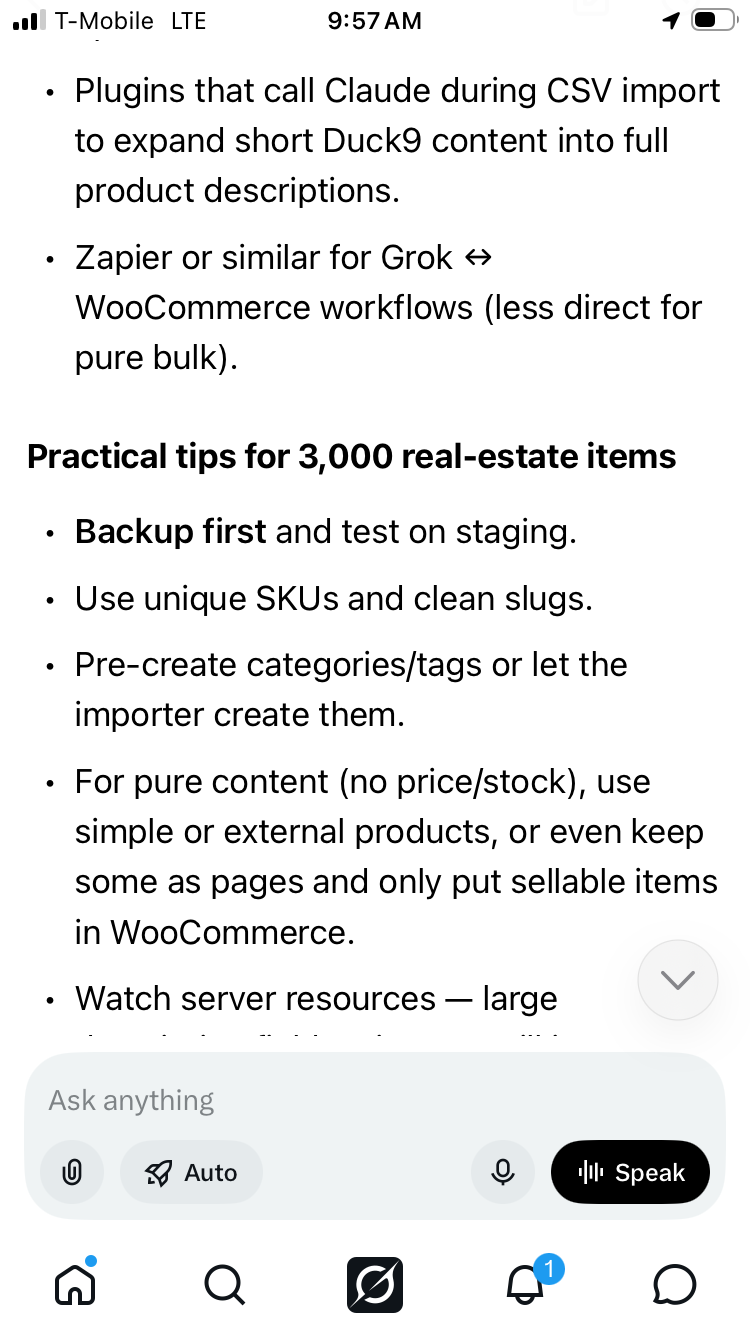
• Plugins that call Claude during CSV import to expand short Duck9 content into full product descriptions.
• Zapier or similar for Grok ↔ WooCommerce workflows (less direct for pure bulk).
Practical tips for 3,000 real-estate items
• Backup first and test on staging.
• Use unique SKUs and clean slugs.
• Pre-create categories/tags or let the importer create them.
• For pure content (no price/stock), use simple or external products, or even keep some as pages and only put sellable items in WooCommerce.
• Watch server resources — large description fields + images will increase import time and database size.
• SEO: Ensure unique titles/descriptions; pair with Rank Math / Yoast product SEO fields via meta columns.
Tell Larry Chiang the details in the comments so I can give exact next steps:
• Is this pure informational content, or do the items have prices/SKUs/images/stock?
• Do you already have the data in CSV/Excel/files, or does it still need generating/expanding?
• Prefer built-in importer, a specific plugin, or a Python script (I can generate a complete one)?
• Self-hosted or WordPress.com / managed host?
Comment the answers and I’ll give the precise CSV template, script, or Claude/Grok prompt sequence for WooCommerce.
Larry Chiang



 Duck9 is a credit score prep program that is like a Kaplan or Princeton Review test preparation service. We don't teach beating the SAT, but we do get you to a higher credit FICO score using secret methods that have gotten us on TV, Congress and newspaper articles. Say hi or check out some of our free resources before you pay for a thing. You can also text the CEO: